Cast
Keep someone or something under a name — a character, a place, a prop — so a picture or a video can have them again.
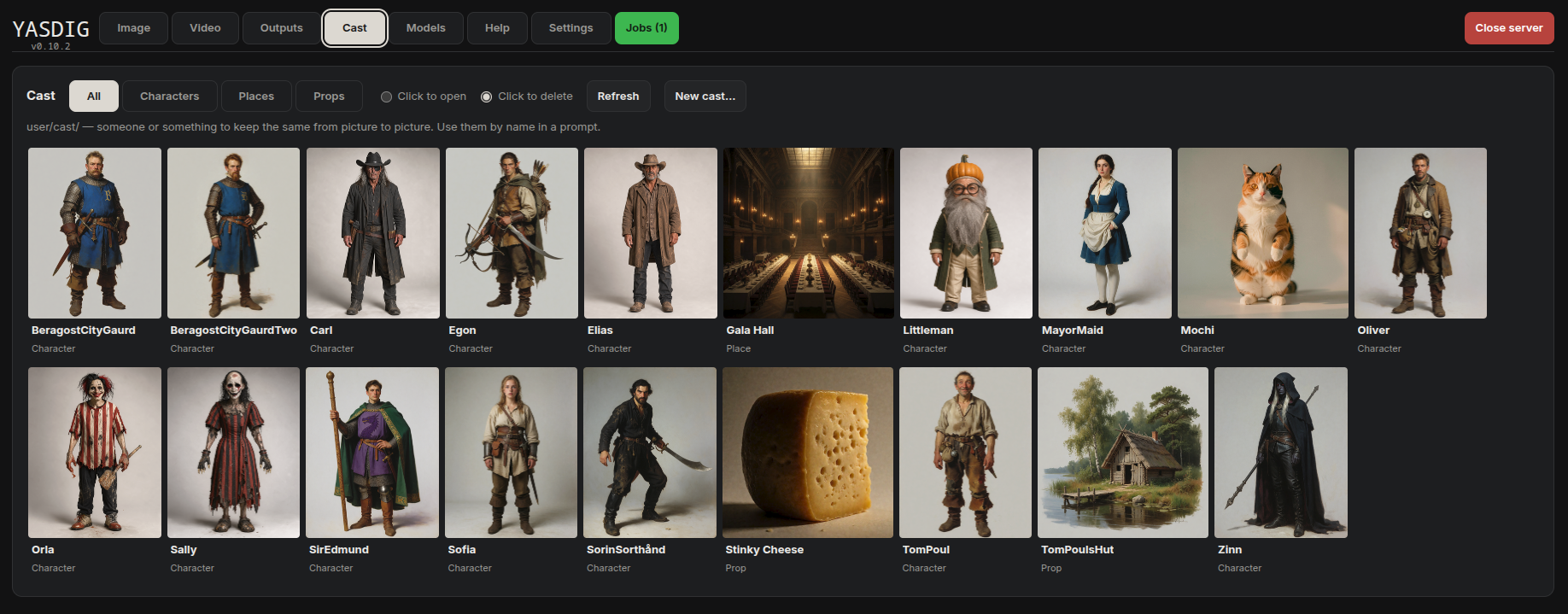
A name, a look, a picture
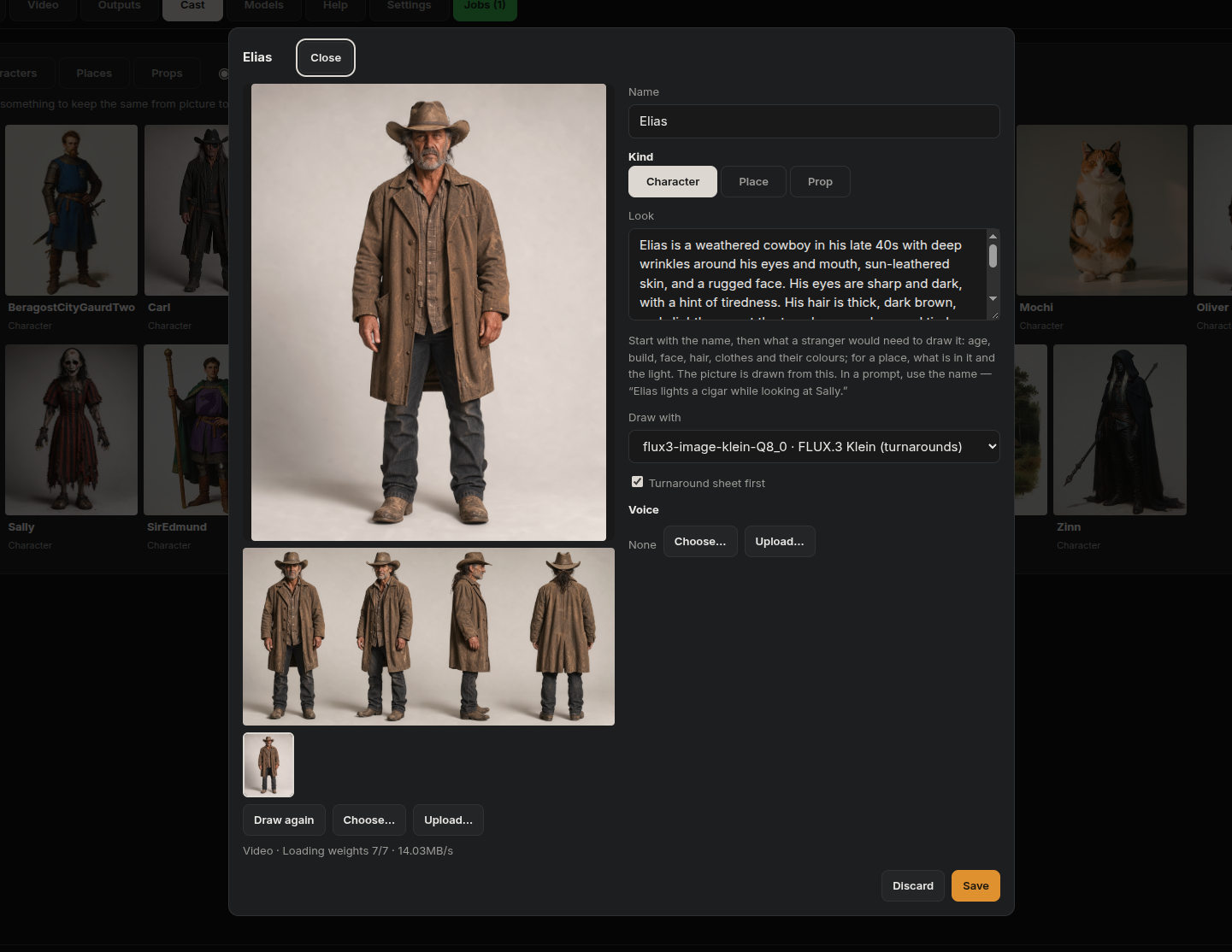
Write the look in words — “Elias is a weathered cowboy in his late 40s…” — and press Draw. On a model that follows reference pictures (the Kleins), a character gets a turnaround sheet first — front, three-quarter, side and back — and the picture is drawn from it, so the two are one person. Or use a picture of your own.
A voice
A character can have a voice, from a short recording you pick — heard in narrated stills and in films — and How they speak in a few words (“a man of sixty, low and dry”). Enhance writes those words into every part they talk in, so LTX voices them the same way each time; MiniMax H3 follows the recording instead when there is one.
Name them anywhere
Name a cast member in a prompt, in a video's shots or in a film, and their look and picture go with them. Cast entries live in your own folder, which nothing sweeps: clearing the work never reaches them.
Read more: the Cast guide →